Posts

Room expansion v5

Image
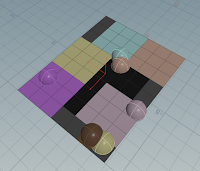
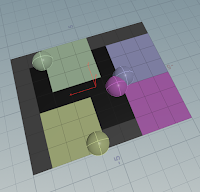
Convex expansion now functional. After fixing the arms, this is how far I intend to go with pressure solving for now. Next up is construct a connection graph to then deduce module placements.

room expansion v4

Image
Partially expanded walls. Proven and now to deal with the consequences. As the solver tries a lot of solutions and picks the best it needs to be able to revert them. Reverting these expansions is more difficult and they now have an undo queue. Implementing this fully is the next step. After this I think it's ready to generate the first floor plans. It also means rooms can be concave which comes with new problems.  

room packer v03

Image
Rooms are expanding after their desired space and shape. Next up is allowing walls to be broken up.

Room Packer v2

Image
Improved placement algorithm. Now looping over all potential variations until all fits. When no solution can be found, the best one is used. Next up is to add access constraints. Brown square symbolizes the front door, an arrangement should be invalidated if rooms can't get to it through unused squares (black and grey).

Room packing

Image
Xmas has been about sketching up a setup for generation of house interiors. B ased on this but exterior being fixed. With pseudo code fleshed down, it's broken down to two parts, placement and growing. Picture is one closing in on completion. Sphere's are location inputs on which rooms are placed (here all 3x3). The algorithm then distributes while respecting constraints like -"room need at least one square of outer wall". Phase two is a kind of "pressure solving"- expanding the rooms to divide the space by need, described as rooms "pressure".
Mesh solvers

Image
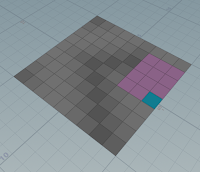
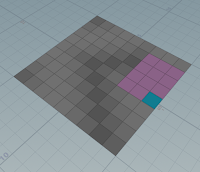
Been cooking for some time this one. Wanted to apply Linear systems, primarily to test if it could be used on photogrammetry meshes. Ended up branching Edgy Eggs package that is a wrapper of Eigen/libigl package. Code here.  Next step is to wrap it in a paint driven workflow.

Procedural edge group straighten

Image
Straightening of edge groups on triangular meshes. Black line shows group on original mesh, gap shows the split up, smoother, new path. This is done by flipping edges to get optimal path flow. Setup file.